Fear the Subscription!

Apples and Oranges


The desk was delivered and assembled today. Set up was quick because there were only two tables and a connector. The long table had plastic casters so that it wouldn’t scratch the floor, but the short table did not; I adhered some felt casters to compensate. While construction of the desk space was quick, moving all the components onto the desk and setting it all up took forever.
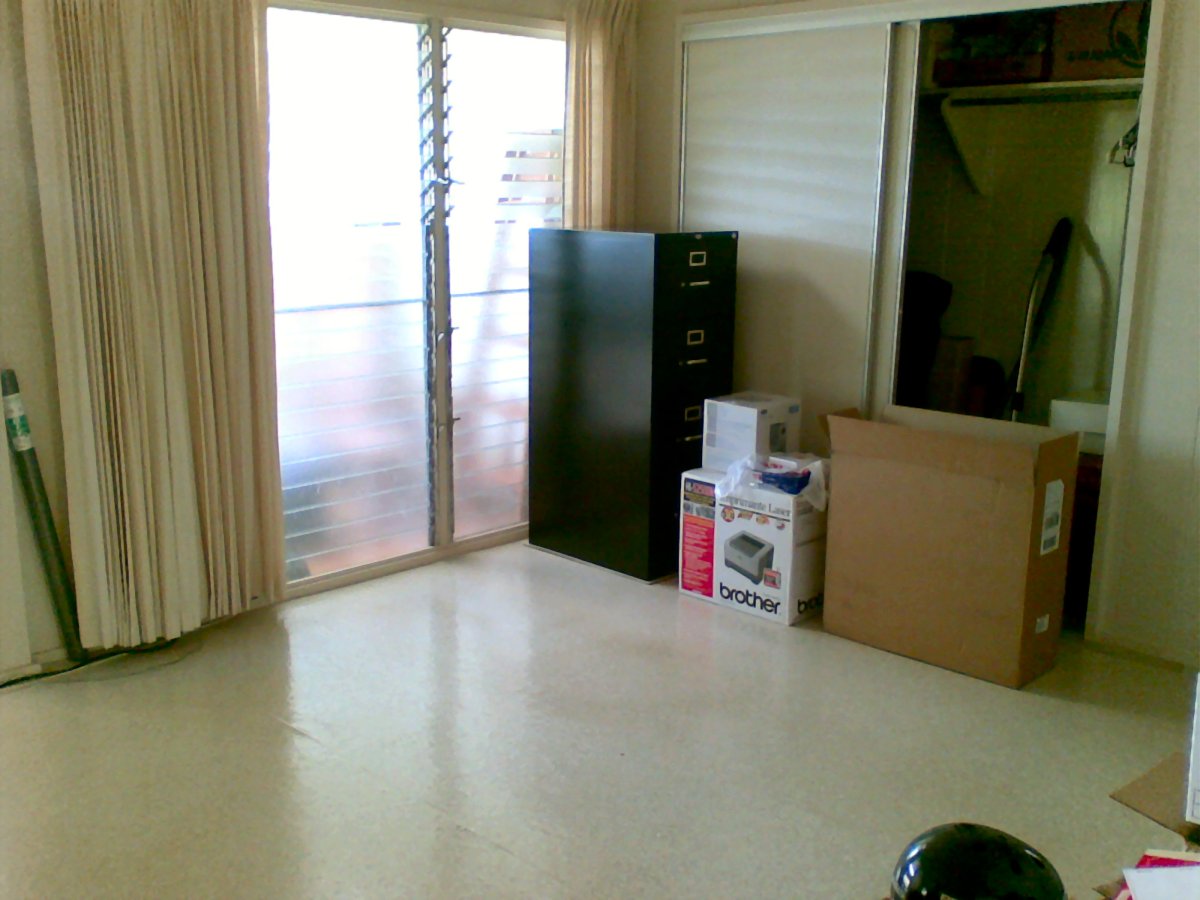
Before
This is what the area looked like before the desk arrived. As I said before, the file cabinet was already in place; the boxes are the various components awaiting a place to settle. The time was approximately 1500 when this picture was taken.
I first put Maile’s computer on the short table, arranged so that she could face the TV. Her color inkjet would sit between her monitor and the tower, which itself would perch on the edge of the long table. All of the cables and wires would tie up along the desk edge, interrupted by the surge protector.
The router came next. I needed to make sure I had the proper cables ready for two computers and a printer. But that was easy.
I unpacked my iMac and set it up on the long table. Despite having so few components, it took me a while to become familiar with where things were and how they should be arranged. I also had my RAID hard drives to unpack, and put that on the desk near the file cabinet.
Suddenly I realized that I didn’t really have any room for the laser printer. If I put it on the desk, it would force the computers closer together, which in turn would force the users closer together, until the chairs got in the way. I didn’t want to put anything on the floor because I wanted a clear space to easily vacuum, I wanted more leg room, and I didn’t want to run the risk of a chair knocking a dent into anything delicate.
So I put the laser printer on top of the file cabinet. It’s not pretty, there are a ton of cables all stretched hither and yon, but it’s all set up and ready for use.
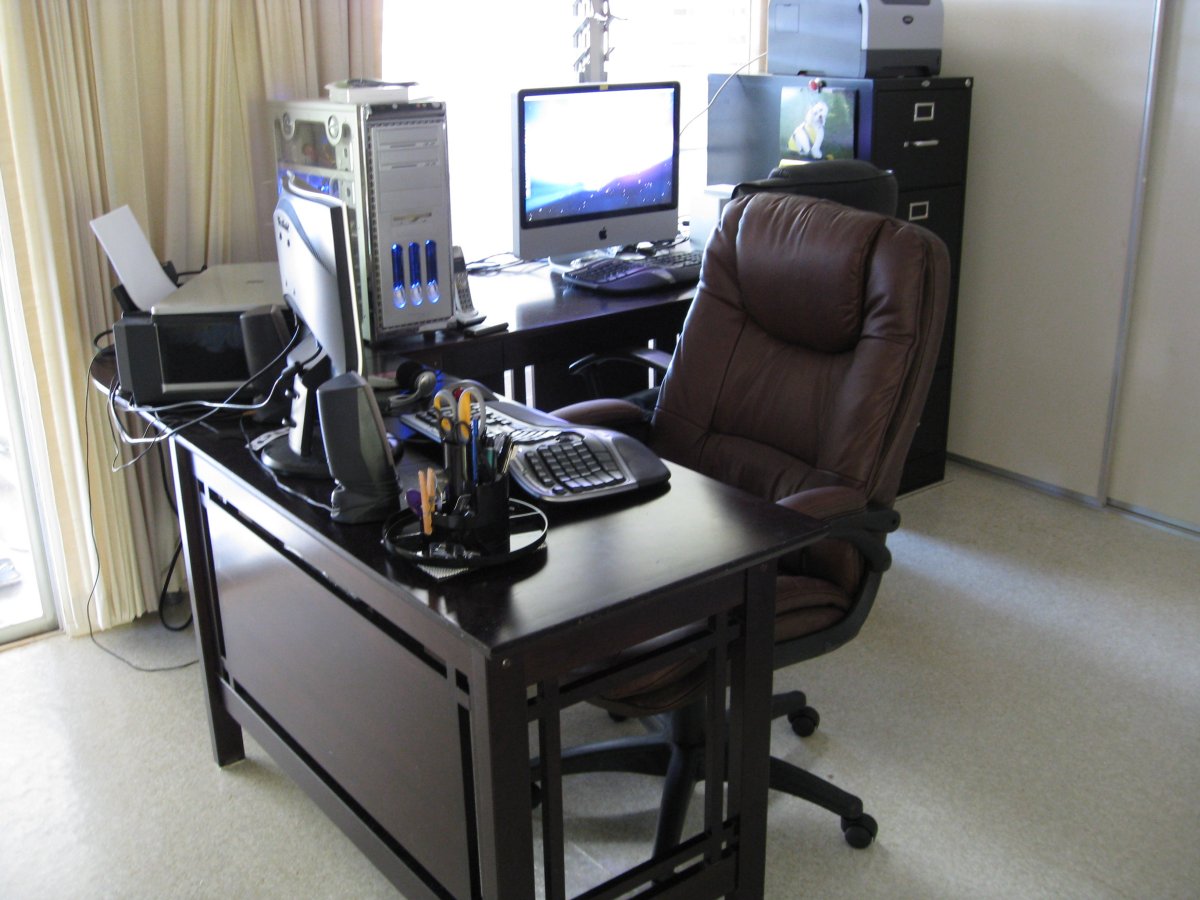
After!
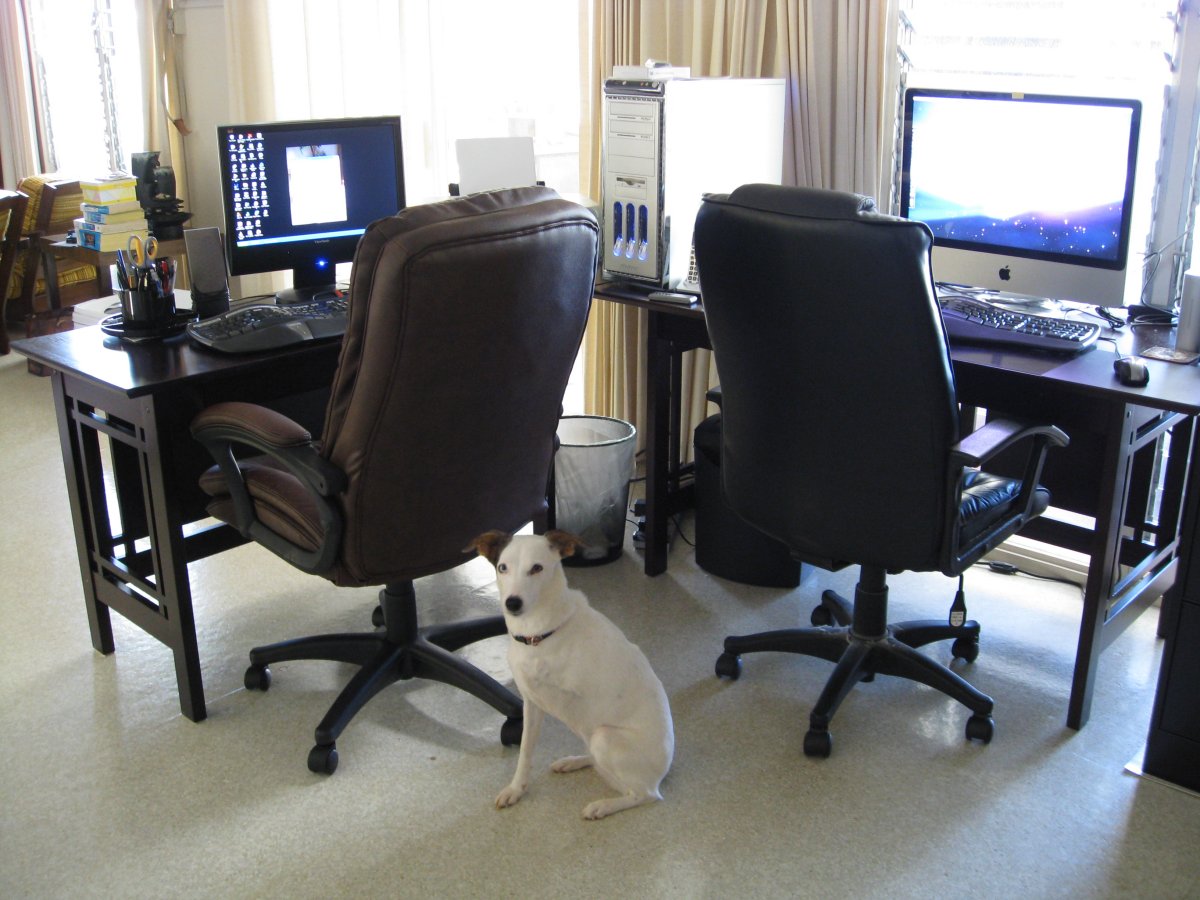
After after!
The fact remains that we still have enough room for the two of us to operate simultaneously, and we each have access to the printers and cordless phone. The physical setup was quick and painless (though there was a close call involving a desk and my toe); it was the electronic setup that was a long and drawn-out process.
Maile’s computer setup was easy, because there was really nothing to do. The only trick was reconfiguring her system to recognize and communicate with the router, but once that was done it just took an installation of the laser printer drivers and she could see it over the network.
The iMac was trickier. In addition to being a very new machine (as new as a refurbished model can be, that is), I am not very familiar with the Mac operating system. I had a few tidbits of start-up advice from friends and co-workers, but I still had to navigate the strange mirage of menus and icons. The RAID drives were set up as well as I thought I could, but it remains to be seen whether or not I set them up correctly.
From addressing iMac security concerns, to figuring out how to tell the printer I want duplex, I plodded through without nourishment, determined to conquer this hypnotic land. Test pages were printed, web pages were visited, and I may have blinded myself on the glossy widescreen brilliance that is 24 inches.
I don’t know if I’ve succeeded, but time will only tell.